Voted Best
Marketing & Content
Management Platform
Marketing & Content
Management Platform
Customize your demo
Oops! Something went wrong while submitting the form.

October 15, 2025
Light feature
Brand teams
Share live previews, translate your brief, and review the creator experience before launching your influencer marketing campaign.
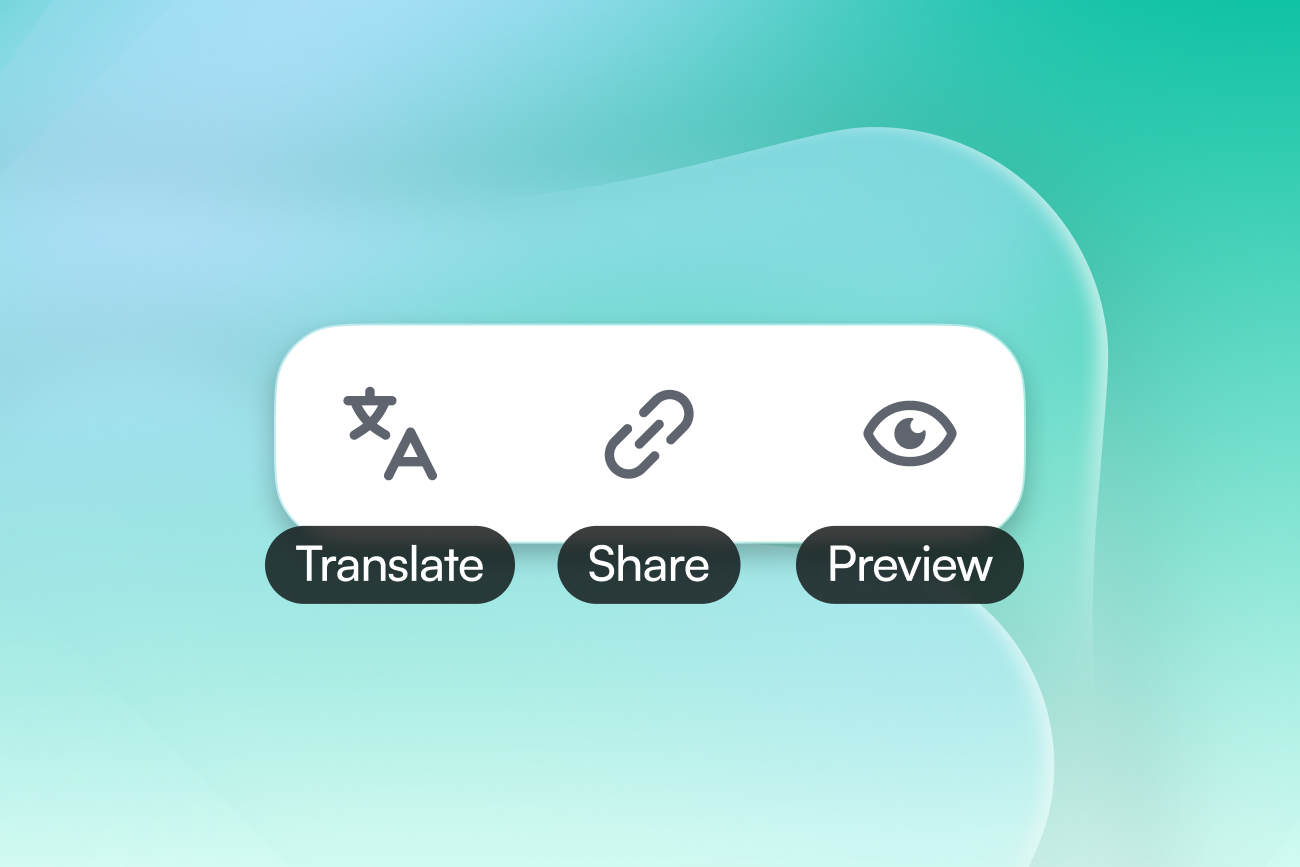
Creating a strong influencer marketing brief is only part of the work. Teams also need to review it internally, prepare it in multiple languages, and make sure creators will see exactly what they expect. Heylist now gives you three actions directly from the campaign brief: Share, Translate, and Preview.
Together, they make it easier to prepare bilingual campaigns, collaborate with clients and teammates, and validate the creator experience before your campaign goes live.
Getting approval from a client, manager, or teammate should not require screenshots, exported documents, or a Heylist account.
The new Share links dialog gives you a preview link that anyone can open.
The Preview link is always available and shows the brief exactly as creators will see it. Anyone with the link can access the brief without signing in to Heylist.
The link always displays your latest saved version, so if you make changes after sharing it, the same link automatically reflects those updates.
It also preserves the language you were viewing when you generated the link, making it easier to send the correct version to English- or French-speaking reviewers.
Once your campaign is running, the Share dialog also gives you access to Invitation links.
These links allow creators to:
Previously generated invitation links remain visible with their creation and expiry dates, so your team can easily see which links are active.
You can copy an existing link again or revoke it at any time. Revoking the link immediately removes access for anyone still holding it.
This gives teams a simple way to extend campaign invitations beyond their existing workflows while keeping access under control.
If you manage campaigns in both English and French, you no longer need to recreate every section manually.
The new Translate action translates the complete brief into the language you are currently viewing. The EN/FR selector in the navigation determines which version you are working on. For example, if you are viewing the French version, Translate fills it using the English brief as the source.
Before anything changes, Heylist opens a dialog showing every section that can be translated, including:
Sections containing source content are selected automatically, but you can uncheck anything you do not want translated.
Heylist also makes the impact of the translation clear before you confirm. Empty source sections are marked “Nothing to translate,” while sections that already contain content in the target language tell you that the current text will be replaced.
This gives you control over what gets translated while reducing the repetitive work involved in building multilingual influencer campaigns.
The Translate option is available while the brief is still editable.
Before sharing or launching a campaign, you may simply want to answer one question: What will creators actually see?
The new Preview action opens your campaign brief directly in the creator-facing experience.
It uses the language version you are currently viewing and shows the same page a creator would see, without creating or sharing a link.
This makes Preview useful as a final quality check for:
When you are finished reviewing the brief, simply use your browser's back button to return to editing.
The EN/FR selector and Translate serve two different purposes.
The EN/FR selector changes which language version of the brief you are currently viewing and editing.
Translate actually creates content in that language by translating the text from the other version.
For example, switching from EN to FR lets you open the French version of the brief. If that version is empty, selecting Translate can populate it using your existing English content.
These three actions help remove friction from the final stages of campaign preparation.
You can create multilingual briefs faster, collect feedback without requiring collaborators to join Heylist, and review the exact experience creators will receive before your campaign goes live.
Explore Translate, Share, and Preview from your next campaign brief, and let us know how they improve your workflow.